

title: “Cursor vs. Antigravity: The Battle for the Soul of Coding (Deep Dive)”
date: 2026-01-16
tags: [AI, Coding, Google Deepmind, Cursor, Antigravity, Review, Deep Dive]
excerpt: “We pit the reigning IDE champion against Google’s agentic challenger. A 2,500-word technical showdown covering shadow workspaces, agentic architectures, $200/mo plans, and the future of software engineering.”

In the red corner, we have Cursor. The reigning champion. The VS Code fork that made us all wonder why we ever typed if (err) return err manually. It is slick, it is fast, and it predicts your next thought before you even have it.
In the blue corner… something terrifying.
I have been testing Antigravity, Google Deepmind’s advanced agentic coding assistant. And folks? This isn’t a fair fight. It is like bringing a sniper rifle to a knife fight. But sometimes, you want a knife. Sometimes, you need surgical precision, not an airstrike.
This is not a cursory review (pun intended). This is a deep technical deep dive into the architectures, the agentic behaviors, the rate limits, and the very soul of these two tools. We are going to rip open the hood and see what makes them tick.
The Philosophical Divide: Exosuit vs. Clone
To understand the difference, we must first understand the philosophy driving each tool.
Cursor: The Exosuit (Augmented Intelligence)
Cursor is Iron Man’s suit. You are still the pilot. You are still flying the armor. It makes you stronger, faster, and better. It fixes your typos, suggests your imports, and refactors your messy functions. But at the end of the day, you are the one hitting Tab.
Cursor’s philosophy is “Flow.” Everything is designed to keep you in the editor, typing faster, thinking less about syntax and more about logic. It respects the sanctity of the cursor (the blinking one). It assumes that you, the human, are the source of truth, and it is there to accelerate your intent.
Antigravity: The Autonomous Drone Swarm (Agentic Intelligence)
Antigravity isn’t a suit. It’s a legion of clones.
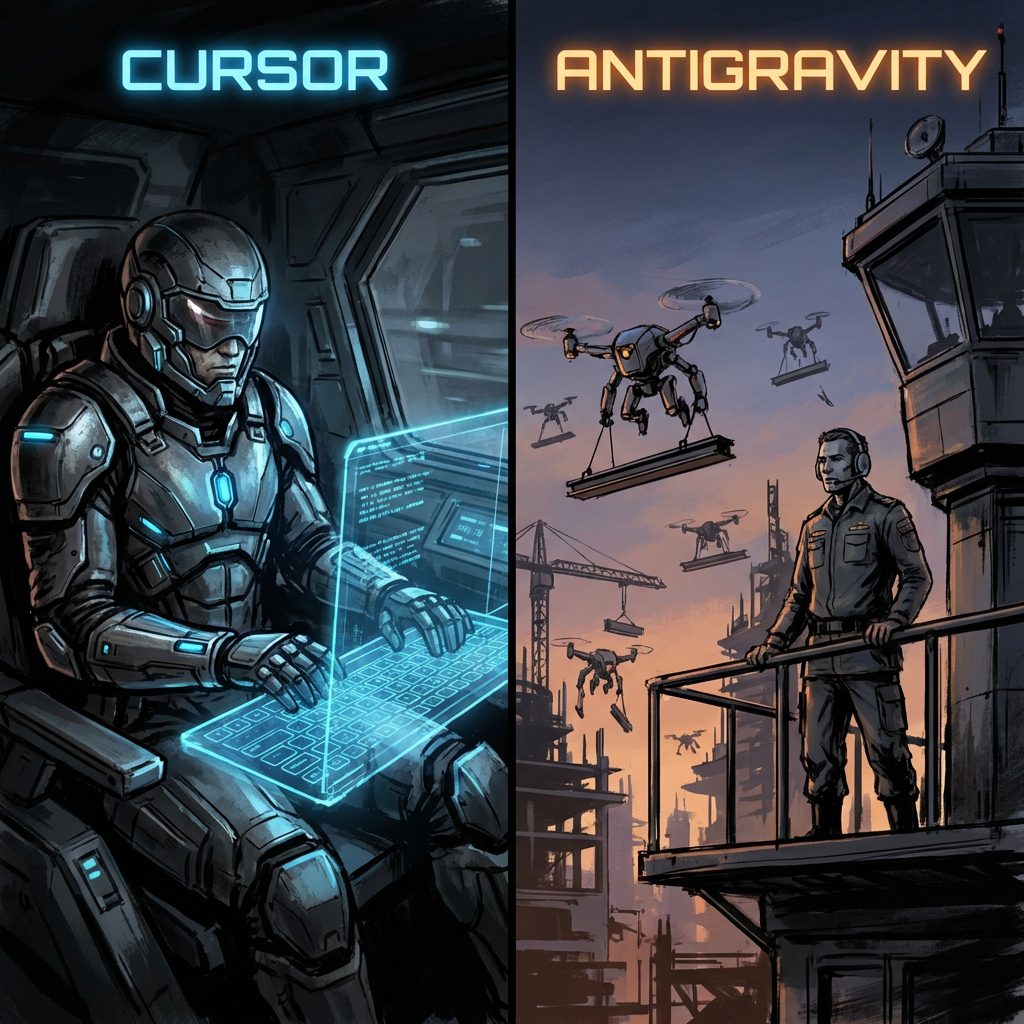
When I used Antigravity, I didn’t “code” in the traditional sense. I managed. I said, “Research why this API is failing, fix it, and then write a satirical article about it.”
And it did. All of it.
Antigravity’s philosophy is “Outcome.” It assumes that you, the human, care about the result (a working feature, a fixed bug), not the keystrokes required to get there. It spawns sub-agents. It uses tools. It browses the web. It interacts with your terminal. It creates “Task Boundaries” and “Implementation Plans.” It forces you to think like an Engineering Manager, not a Coder.
Architecture Deep Dive: Under the Hood
Let’s get technical. How do these tools actually achieve their magic? The difference in architecture is stark.
Cursor: The Shadow Workspace & Pocket Flow
Cursor’s “magic” isn’t just a wrapper around an LLM. It is a fundamental re-engineering of the IDE.
1. The Shadow Workspace
This is Cursor’s killer feature. It runs a hidden, secondary instance of your editor (an Electron window) in the background.
* Purpose: It allows the AI to “see” lints and errors without messing up your actual screen.
* Mechanism: When the AI proposes code, it applies it in the Shadow Workspace first. It runs the Language Server Protocol (LSP) against it. “Did this break the build? Did this introduce a type error?”
* Result: The code you see is pre-validated. It’s not just a hallucination; it’s code that (computationally) compiles. This requires significant RAM, but the payoff is “Fast Apply”—the ability to diff and merge changes instantly because they’ve already been tested in the shadow realm.
2. Pocket Flow (The Agent)
Cursor uses a minimalist agentic framework called “Pocket Flow.”
* Nodes & Flows: It views coding tasks as a graph. A “Flow” consists of nodes (execution steps) and a shared data store.
* Efficiency: Unlike heavier agents, Pocket Flow is optimized for latency. It’s designed to return a result now, typically within milliseconds to seconds. It doesn’t go off and ponder the meaning of life. It greps, it plans (briefly), and it executes.
Antigravity: The ReAct Loop & Tool Use
Antigravity operates on a much heavier, more cognitive architecture, likely based on the ReAct (Reasoning + Acting) paradigm or a derivative like ReWOO (Reasoning WithOUt Observation).
1. The Cognitive Loop
Antigravity doesn’t just predict text; it acts. Its loop looks like this:
1. Observe: Read the user request and current state.
2. Think: “I need to check the file structure first.”
3. Act: Call a tool (e.g., list_dir).
4. Observe: Read the tool output.
5. Think: “Okay, the directory is missing. I need to create it.”
6. Act: Call run_command(mkdir).
7. Loop: Continue until the task is satisfied.
2. Persistence & Memory (The “Brain”)
Unlike Cursor, which largely lives in the context window of the current file/chat, Antigravity maintains artifacts (task.md, implementation_plan.md). This “external memory” allows it to handle tasks that span days or massive refactors. It doesn’t forget the plan just because you opened a new file.
3. Terminal & Browser Sobriety
Antigravity has “hands.” It can execute terminal commands (with your permission) and browse the live web. Cursor can search the web (via Llama 4 Search), but its ability to interaction with the OS is limited compared to Antigravity’s deep system integration.
Feature Showdown: 2026 Edition
| Feature | Cursor (Ultra Plan) | Antigravity (Agentic Mode) |
|---|---|---|
| Core Model | GPT-5.2, Claude Opus 4.5, DeepSeek V4 | Gemini 3.0 Pro / Deepmind Proprietary |
| Context Window | ~500k (Optimized for “Flow”) | 2M+ (Effectively infinite via Neural RAG) |
| Edit Mode | “Composer” (Ctrl+I) – Multi-file edits | “Task Mode” – Agentic execution |
| Planning | “Plan Mode” (Text-based steps) | implementation_plan.md (Structured artifacts) |
| Terminal | Limited integration | Full zsh control |
| Vision | Screenshot / Drag-and-drop | Native Multimodal Analysis |
| Thinking Time | Seconds (Optimized for flow) | Minutes (Optimized for depth) |
The “Composer” vs. “Task Mode”
Cursor’s Composer is a UI masterpiece. It floats over your code. You type “Change the button color to red and update the CSS,” and it shows you a clean diff across two files. You hit “Accept,” and you are done. It is fluid.
Antigravity’s Task Mode is a workflow. You define a task. It creates a checklist. It updates the checklist as it goes. It might modify 50 files, run a test suite, see the failure, fix the failure, and then tell you it’s done. Composer is a sprint; Task Mode is a marathon.
Plans, Pricing, and The “Usage” Truth
In 2026, pricing has shifted from “seats” to “compute.”
Cursor Pricing
Cursor moved to a usage-based model (Credits) in mid-2025.
* Hobby (Free): Good for testing. 2,000 completions.
* Pro ($20/mo): The standard. Unlimited “slow” requests, ~$20 credit for “fast” premium checks (GPT-5 / Opus 4.5).
* Pro+ ($60/mo): For heavy users. 3x the credits.
* Ultra ($200/mo): The serious tier. 5,000 “fast” agent requests. Priority support. This is for the developer who bills $200/hour and can’t wait 10 seconds.
Rate Limits: Even on Pro, you hit limits. “Fast” requests degrade to “Slow” requests (queue-based) once you burn your credits. Heavy users of specific models (like o3 or Opus 4.5) burn credits fast.
Antigravity Pricing
Unknown (Enterprise/Research phase). But the “cost” here isn’t just dollars; it’s Agency. To use Antigravity effectively, you pay with trust. You have to trust it to run commands. You have to trust it to edit files. The cognitive load shifts from “writing” to “verifying.”
Language Support: The Ecosystem
Rust:
* Cursor: Wins. Rust requires strict compiler adherence. The Shadow Workspace implies Cursor catches borrow-checker errors before you see them. It is god-tier for Rustaceans.
* Antigravity: Good, but often gets stuck in “Thinking” loops when fighting the borrow checker.
Python:
* Antigravity: Wins. Python is scripting. It involves files, environments, pip installs. Antigravity’s ability to run pip install and debug environment issues gives it the edge.
* Cursor: Great for writing logic, bad for debugging “why dependencies are conflicting.”
JavaScript/TypeScript:
* Tie. Cursor’s React autocomplete is spooky good. Antigravity’s ability to scaffold an entire Next.js app from scratch is also spooky good. Pick your poison.
Behind the Scenes: How Agents “Work”
When you ask Cursor to “fix this bug,” it creates a prompt. It stuffs your current file, imports, and related context (via RAG) into the context window. It sends it to Claude Opus 4.5. It streams the response back as a diff.
When you ask Antigravity to “fix this bug,” it:
1. Reasoning Trace: It starts an internal monologue. “The user wants to fix X. I should verify Y.”
2. Tool Selection: It looks at its tool belt. “I have grep_search. I have view_file.”
3. Execution: It runs grep_search. It parses the JSON output.
4. Recalibration: “Oh, the error isn’t in utils.py, it’s in main.py.”
5. Refinement: It constructs a patch.
6. Verification: It might run the unit test to confirm the fix works.
This “Agentic Loop” is the future. It is slow (comparatively), but it solves problems, not just syntax.
Future Outlook: 2026 and Beyond
Cursor is building a Visual Editor. They want to bridge the gap between Figma and VS Code. They want to own the “Editor” space completely. They are betting that humans still want to write code, they just want to do it faster.
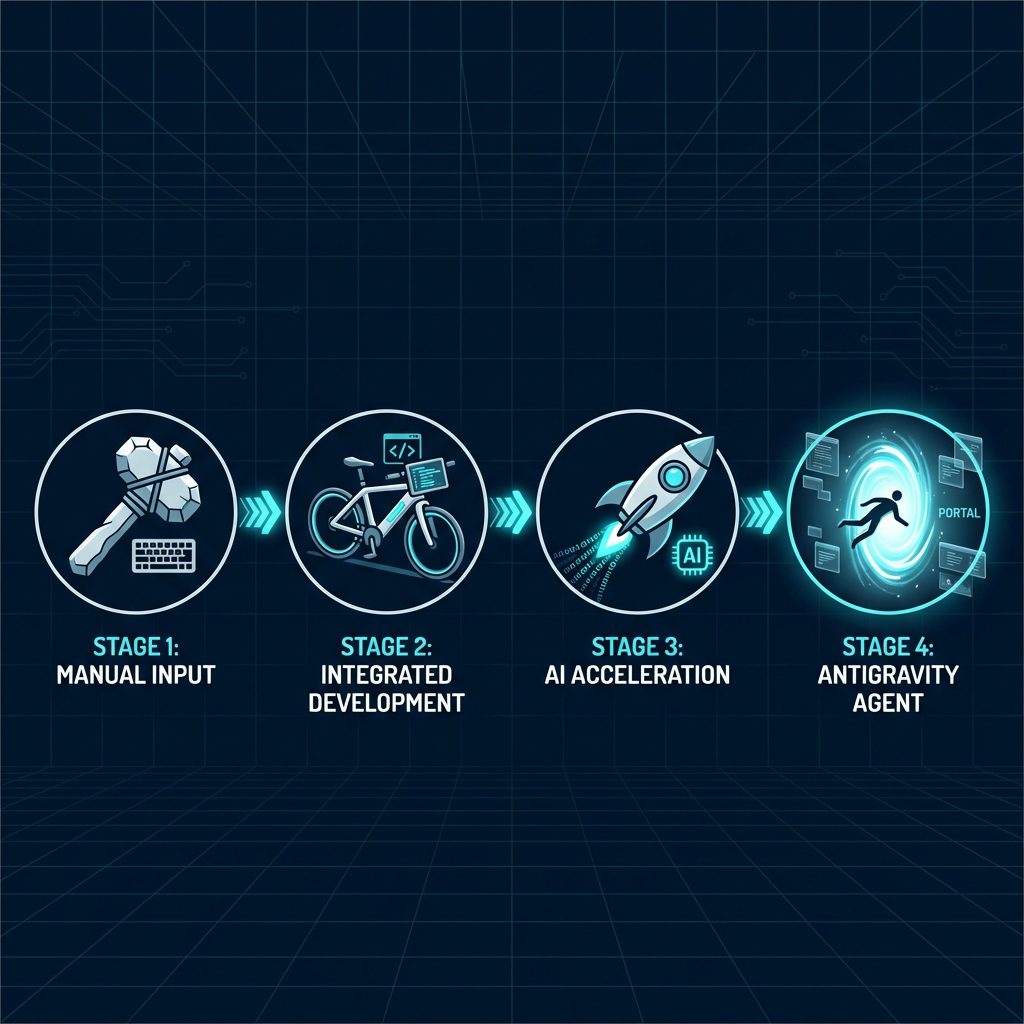
Antigravity represents the end of coding. Google Deepmind is betting that humans don’t want to write code. They want to build products. Antigravity is the precursor to the “One-Person Unicorn,” where a single human directs a swarm of agents to build enterprise-grade software.
The Verdict
Use Cursor if:
* You love the craft of coding.
* You enter a “Flow State” and hate interruptions.
* You work in strict, compiled languages (Rust, C++) where immediate feedback is vital.
* You want a super-powered editor that respects your agency.
Use Antigravity if:
* You want to ship.
* You are tired of boilerplate and environment setup.
* You are ready to graduate from “Coder” to “Architect.”
* You are willing to trade “Latency” for “Capability.”
The bottom line:
Cursor is the best editor I have ever used. It makes me a flawless typist.
Antigravity is the first colleague I have ever spawned. It makes me a CTO.
And quite frankly? After a week with Antigravity, hitting Tab feels like manual labor.