
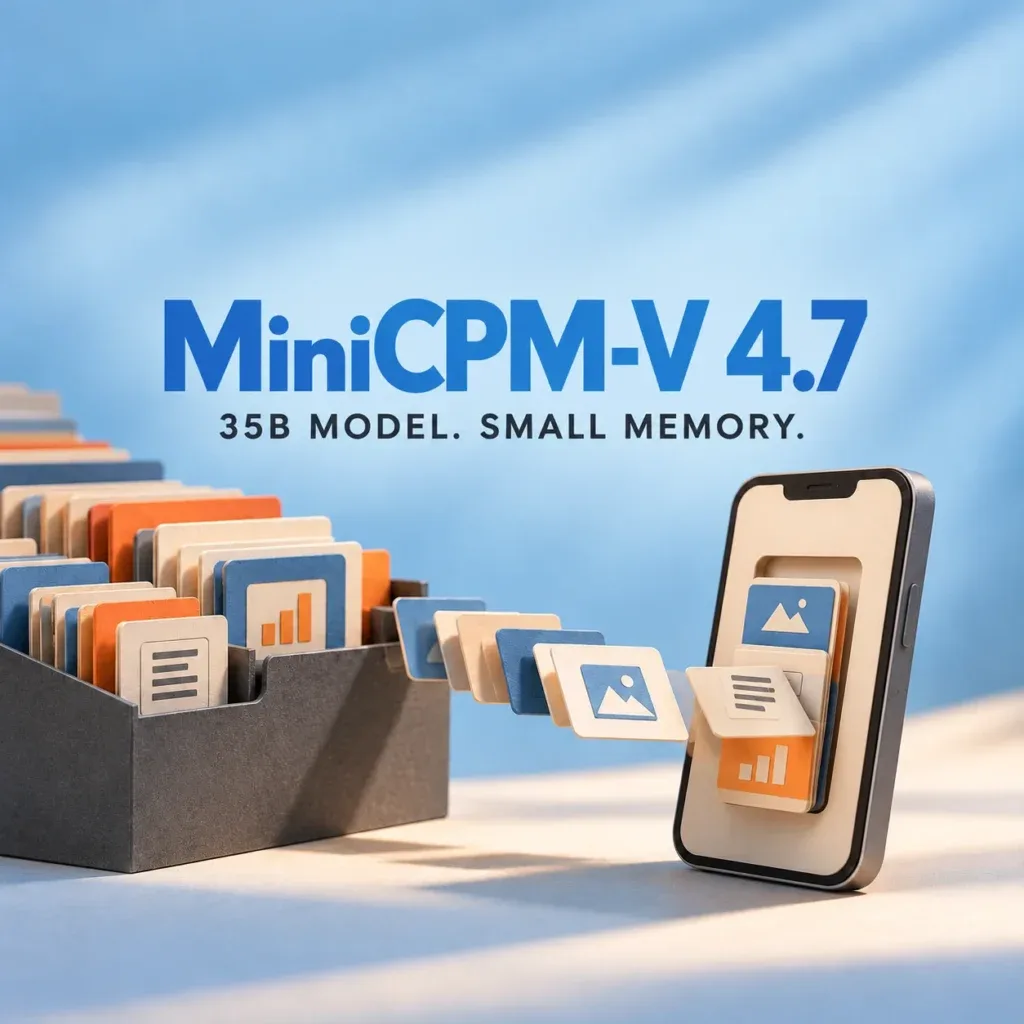
OpenBMB’s MiniCPM-V 4.7 includes a 35B-A3B mixture-of-experts vision model. Its release reports more than 13 tokens per second with 3GB of memory on an iPhone 17 Pro Max. That is an optimized inference claim, not a statement that the entire 35B checkpoint occupies 3GB of storage.
The released model card documents image, multiple-image and video understanding and Apache 2.0 licensing. The phone result combines Lookahead Expert Scheduling, fine-grained quantization and DSpark speculative sampling. Loading the standard checkpoint through a desktop library does not automatically reproduce that combination.
Active parameters reduce computation, not the expert library
In a mixture-of-experts model, a token uses only part of the available expert weights. Later tokens can select other experts, so the full library must remain accessible. The release guide explains the resulting trade-off: storing experts outside RAM permits a larger model, but repeated transfers can stall generation.
Simple weight arithmetic shows why the distinction matters. Using the advertised 35 billion parameters as a rounded count, two-byte storage would require about 70GB; ideal four-bit storage would require 17.5GB. These are decimal-byte estimates before quantization metadata and other components, not measured file sizes or minimum VRAM requirements. Neither calculation describes the smaller working set kept in memory during streamed inference.
Reducing the available expert pool is a different intervention. It may save transfers by preventing the model from choosing some experts. Scheduling instead tries to make the experts the model actually chooses available sooner. That distinction is central to evaluating the release’s claim of preserving capability.
Lookahead scheduling hides part of the loading wait
The LES technical note describes predicting the next layer’s routing to prefetch likely experts. Computation prioritizes selected experts already loaded while missing required experts continue loading. A prediction miss changes the wait, rather than authorizing the runtime to skip that expert. Weight repacking and mixed precision also reduce scattered reads and transfer demand.
On an 11-inch iPad Pro M4 with 16GB memory, the note reports 2.97 tokens/s for the unoptimized storage-loading baseline, 9.81 after scheduling and loading changes, 14.92 with quantization added, and 17.39 with DSpark. These are developer measurements on that setup, not EyesTech results. The final-to-baseline ratio is about 5.86×; scheduling alone accounts for approximately 3.30×. Calling the whole gain a scheduling-only speedup would merge distinct stages.
The iPad measurements also should not be substituted for the phone headline. Device, storage, memory allowance and inference configuration differ. The interesting result is that transfer scheduling can change usability; it does not establish the same throughput on another handset.
Pick a runtime recipe before picking a memory target
The official GGUF release provides a local deployment route, while the llama.cpp-omni project contains the engine behind the LES documentation. Record the runtime revision, quantization, projector files and scheduling settings together. A compatible GGUF file and an installed application are not sufficient evidence that every acceleration feature is enabled.
For the separate Transformers route, the model instructions specify Transformers 5.18 or newer. They also flag video-decoder compatibility problems around TorchCodec and CUDA, offering PyAV as an alternative. That installation issue belongs to video input processing, not necessarily to expert routing or model quality.
The family uses early vision-encoder compression and configurable 4×/16× visual-token compression, described in the project overview. More compression reduces downstream visual work, but document extraction needs an accuracy check at the chosen setting. Small characters, table cells and repeated symbols are useful stress cases because an attractive answer can hide a wrong transcription.
Measure the complete document task
A useful local trial keeps the document set, resolution and requested output fixed. Record download storage separately from peak resident memory, then measure time to first token and complete response time. Include image encoding and expert-loading waits. Repeat with a cold process and a warmed process so reuse is visible.
For OCR, compare the extracted fields against a verified answer sheet; count omissions and substitutions. For a structured table, require exact values and column associations. Record power state and sustained throughput over several requests, rather than extrapolating from one short decode. These proposed checks would establish whether the small working set remains useful for the reader’s actual task.
MiniCPM-V 4.7 makes a credible engineering question concrete: how much of a large expert library must be resident at once, and how effectively can the rest arrive on demand? Its memory headline becomes meaningful only alongside the storage footprint, runtime recipe and observed task accuracy.
Prepared with AI assistance from primary release documentation. Cover: AI-generated conceptual illustration, not a hardware measurement. EyesTech did not reproduce the device benchmarks reported here.