
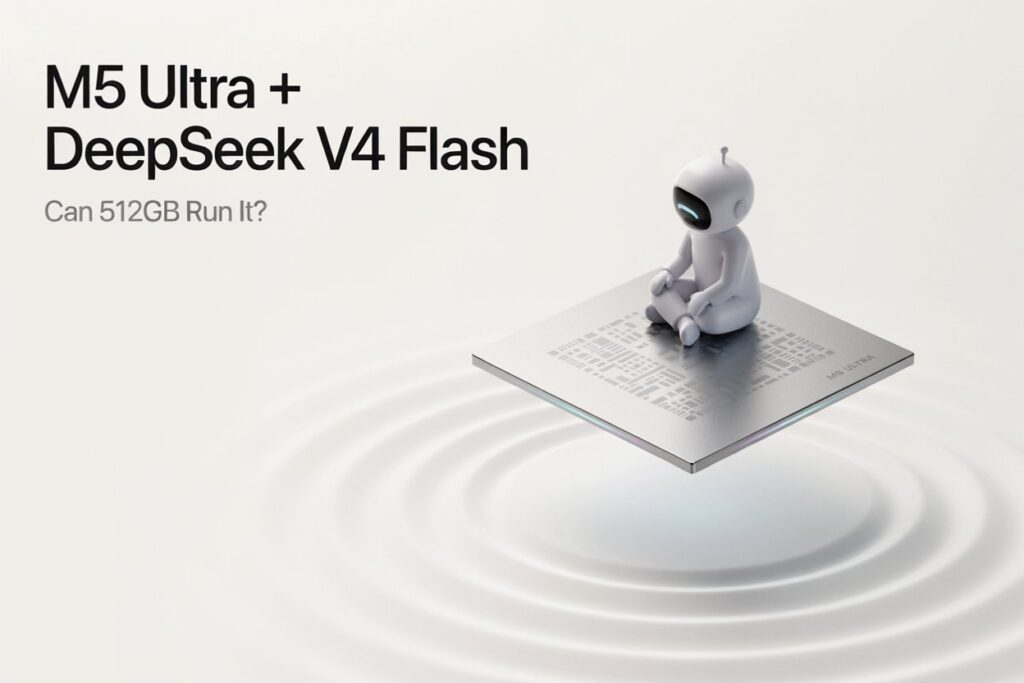

Yes. Apple’s 512GB M5 Ultra Mac Studio should have enough unified memory to run a quantized DeepSeek V4 Flash locally.
That does not mean every build will work, the full one-million-token context will be practical, or the machine has already delivered a verified DeepSeek benchmark.
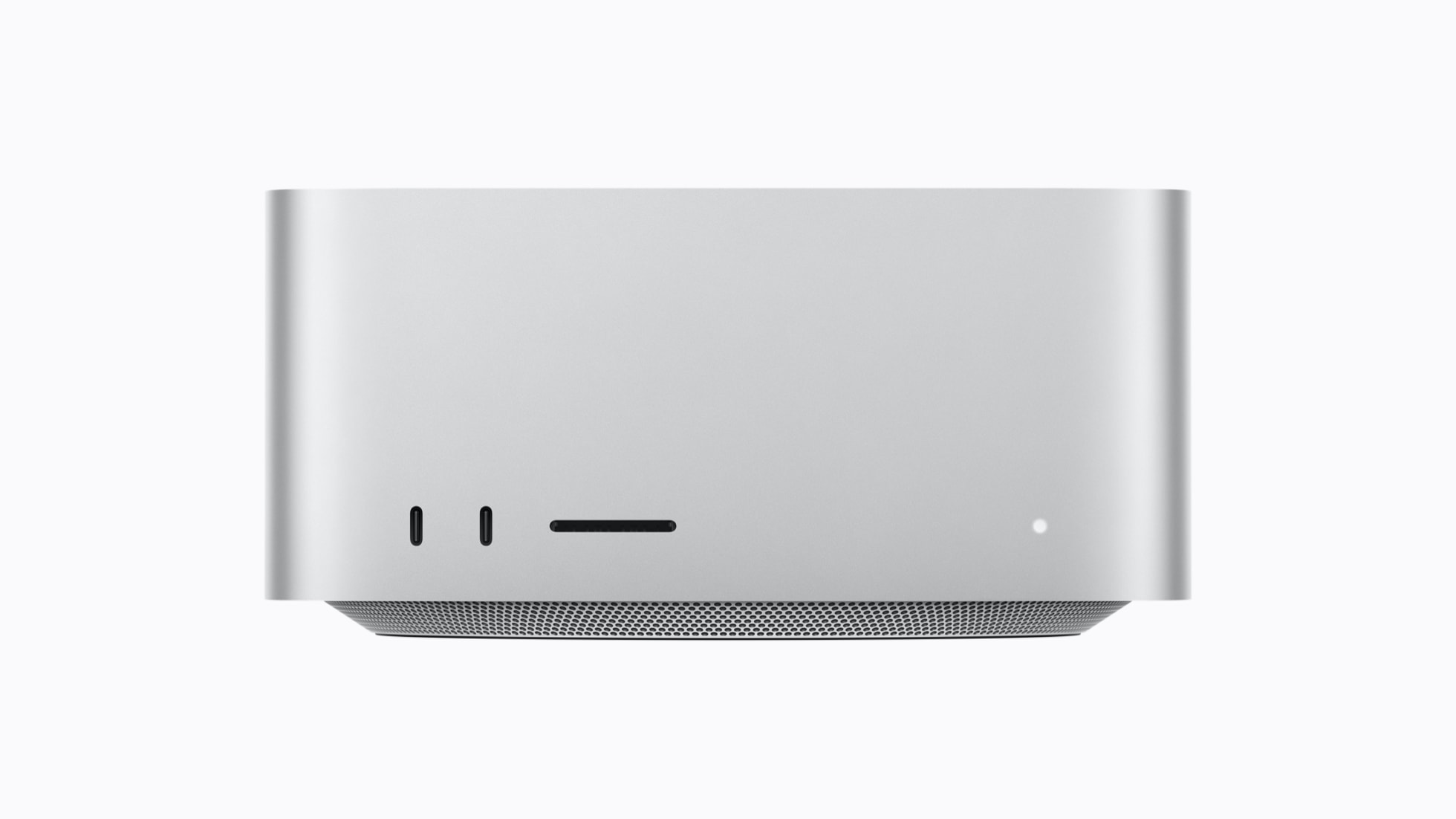
Apple announced the new Mac Studio on August 25, 2026, with up to 512GB of unified memory and 1.2TB/s of memory bandwidth. Three days later, the key question for local-AI buyers is obvious: can that unusually large shared-memory pool turn the 284-billion-parameter DeepSeek V4 Flash into a genuinely usable desktop model?
The short answer is yes, with the right quantization and software stack. The more useful answer is that the 256GB and 512GB configurations occupy very different comfort zones, while the 96GB model is a specialist experiment rather than the sensible purchase for this workload.
The verdict in 30 seconds
- 512GB M5 Ultra: the best single-Mac option. It should fit 4-bit and smaller DeepSeek V4 Flash quantizations with substantial room for cache, the operating system and other applications.
- 256GB M5 Ultra: the practical value configuration. A roughly 4-bit build should fit, but long-context workloads can consume the remaining headroom quickly.
- 96GB M5 Ultra: only realistic with an aggressive community quantization. One 2.44-bit MLX conversion is about 92.8GB on disk, leaving almost no safe operating margin.
- One-million-token context: supported by the model, but maximum context is not the same as comfortable local operation. KV-cache demand, prompt-processing time and runtime support still matter.
- Speed: no trustworthy M5 Ultra plus DeepSeek V4 Flash tokens-per-second result exists yet because the hardware does not ship until September 22. Any exact number published now is an estimate.
What Apple actually announced
The M5 Ultra Mac Studio is not merely a faster M3 Ultra. Apple is positioning it specifically for on-device AI, with Neural Accelerators in every GPU core, much more memory than a consumer GPU and native support for clustering over Thunderbolt 5.
| Specification | M5 Ultra Mac Studio | Why it matters for DeepSeek V4 Flash |
|---|---|---|
| CPU | 30 cores, configurable to 36 | Handles tokenization, orchestration and CPU-side runtime work |
| GPU | 64 cores, configurable to 80 | Primary accelerator for MLX and Metal inference |
| Neural Engine | 32 cores | Useful across Apple’s AI stack, although third-party LLM runtimes do not automatically use it for every operation |
| Unified memory | 96GB; higher configurations offer 256GB or 512GB | Lets the CPU and GPU address one large memory pool instead of copying weights between separate RAM and VRAM |
| Memory bandwidth | Up to 1.2TB/s | Critical for memory-bound autoregressive decoding |
| Connectivity | Thunderbolt 5 with RDMA support | Enables multi-Mac distributed inference and a larger combined memory pool |
| Starting price | $5,499 in the US | Competes with professional AI workstations, not ordinary desktops |
| Availability | September 22; 512GB model in late October | Independent M5 Ultra DeepSeek benchmarks cannot exist before reviewers receive hardware |
Apple claims up to 4.3 times the peak AI compute of M3 Ultra and up to four times faster LLM prompt processing in LM Studio. Those are Apple-controlled comparisons, not a DeepSeek V4 Flash test. They establish that the chip has been designed for local AI; they do not tell us how many tokens per second this exact model will generate.
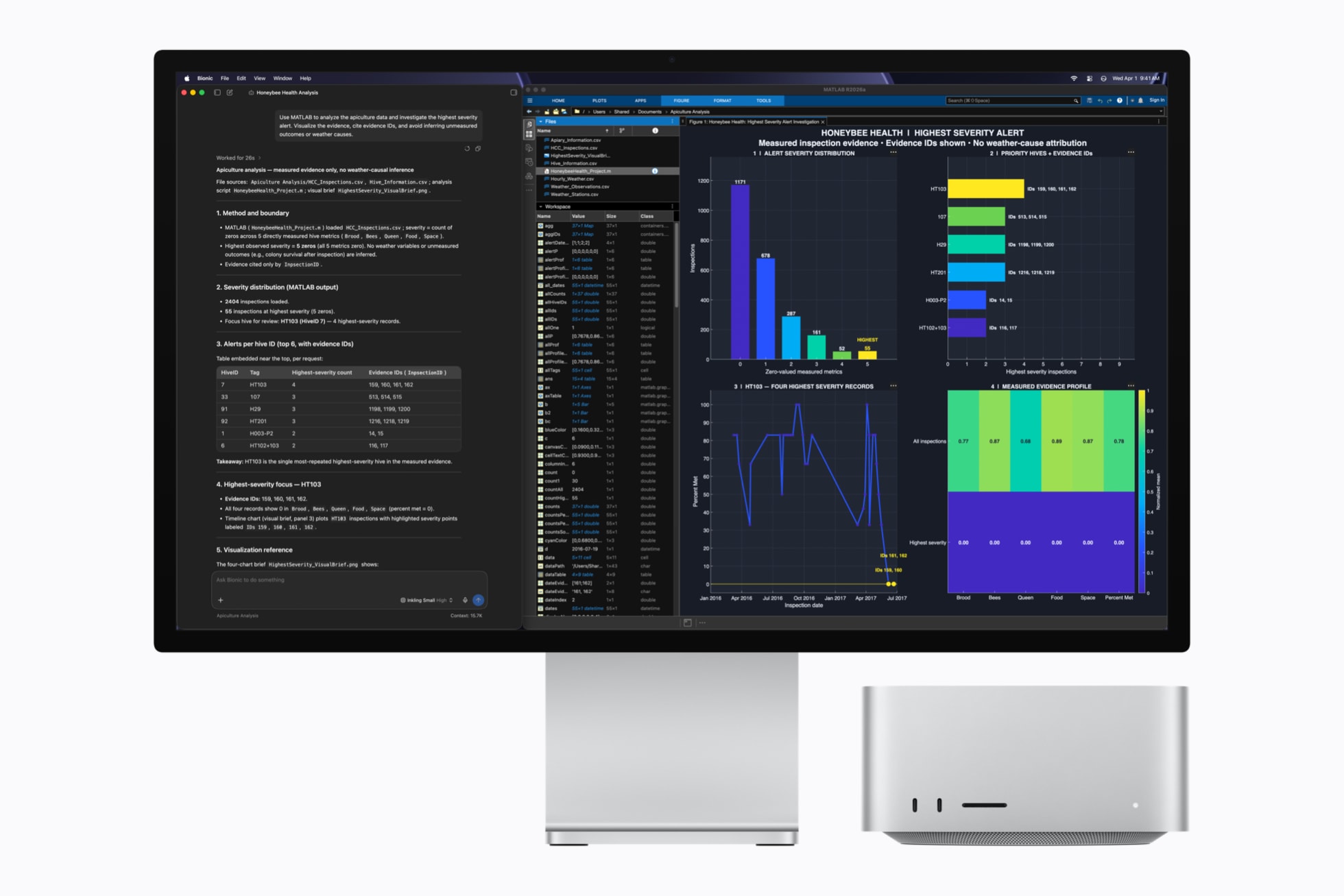
DeepSeek V4 Flash is smaller than V4 Pro—but it is still enormous
DeepSeek V4 Flash is a mixture-of-experts model with 284 billion total parameters and 13 billion active parameters. It supports thinking and non-thinking modes, open weights and a one-million-token context window. DeepSeek’s current open-weight checkpoint is DeepSeek-V4-Flash-0731, a July 31 post-trained update that retains the same model size.

The 13B active figure can be misleading. It reduces the computation required for each token because only part of the network is activated at once. It does not mean the model stores only 13 billion parameters in memory. In normal local inference, the machine still needs access to the full 284B weight set.
That distinction is what makes unified memory the M5 Ultra’s central advantage. A conventional PC may have plenty of system RAM, but its GPU is normally limited to a much smaller, separate VRAM pool. Apple’s architecture gives MLX and Metal-based runtimes direct access to a far larger shared pool.
How much memory does DeepSeek V4 Flash need?
The basic weight calculation is straightforward: parameter count multiplied by bits per weight. Real files can be larger because of metadata, scales, mixed-precision layers and format overhead, while a running model also needs memory for the KV cache and runtime.
| Weight format | Raw weight estimate | Likely M5 Ultra fit |
|---|---|---|
| FP16 / BF16 | About 568GB | No single configuration; even 512GB is insufficient before overhead |
| 8-bit | About 284GB | 512GB only, with useful headroom |
| 4-bit | About 142GB before overhead | 256GB or 512GB |
| 2.44-bit community MLX build | 92.8GB on disk | Technically near 96GB, but 256GB is the safer floor |
A community 2.44-bit mixed MLX conversion reports a 92.8GB model size and testing on an M5 Max with 128GB of memory. That is valuable compatibility evidence for Apple silicon, but it is not an official DeepSeek release or an M5 Ultra benchmark. It also illustrates why buying the 96GB configuration specifically for this model is a bad idea: fitting the weight file is only the first requirement.
Which M5 Ultra memory configuration should you buy?
96GB: possible on paper, too tight in practice
An aggressively quantized 92.8GB model and a 96GB machine are not a workable long-term pairing. macOS, the runtime, memory-mapped files, temporary buffers and the KV cache all need space. Memory pressure can force swapping, destroy performance or prevent the model from loading altogether.
If 96GB is your budget ceiling, smaller models are a much better match. See our DeepSeek V4 vs Kimi K2.6 comparison before optimizing an expensive workstation around the most extreme possible quantization.
256GB: the rational local-inference choice
For most developers and researchers, 256GB is the balance point. A roughly 4-bit DeepSeek V4 Flash build should leave meaningful space for the cache, tools and normal macOS use. It also avoids the quality trade-offs of pushing below three bits solely to make the model fit.
The catch is context. As prompts and generated sequences grow, KV-cache demand rises. DeepSeek’s sparse-attention design targets long-context efficiency, but a million-token session is still a very different workload from ordinary coding chats, document analysis or agent runs. Users who routinely process huge repositories or document collections should treat 256GB as capable, not unlimited.
512GB: the safest single-machine configuration
The 512GB model is the one that changes the conversation. It can accommodate an 8-bit weight estimate of roughly 284GB or give a 4-bit build hundreds of gigabytes of remaining headroom. That makes longer contexts, parallel services, retrieval pipelines and experimentation with less aggressive quantization much more realistic.
It is still not an automatic recommendation. The 512GB version arrives later, in late October, and the configured system will be a major investment. Teams should compare the purchase with API spending, cloud GPU rental, model-update frequency and the value of keeping sensitive code or data completely local.
Software support is the part buyers should not ignore
Memory capacity does not guarantee day-one compatibility. DeepSeek V4 uses an architecture that runtimes must explicitly support. Apple promotes both its open-source MLX framework and the new Core AI framework, but a downloadable checkpoint still needs the correct conversion, tokenizer, kernels and chat template.
The community 2.44-bit conversion currently specifies oMLX 0.5.7 and warns that ordinary mlx-lm does not yet support the deepseek_v4 model type. This will probably improve as the ecosystem catches up, but buyers should verify their chosen runtime and exact checkpoint instead of assuming any MLX front end will work.
- Choose a supported checkpoint. Match the runtime, quantization and chat template exactly.
- Leave generous free memory. Do not size a Mac using the model file alone.
- Start with a normal context. Confirm stability at 8K or 32K before expanding toward hundreds of thousands of tokens.
- Measure both phases. Prompt processing and token generation stress the system differently.
- Record quality as well as speed. Extremely low-bit builds may fit but lose accuracy on coding and reasoning tasks.
Developers evaluating local coding workflows may also want our comparison of the five best AI coding agents in 2026. The model is only one layer; tool use, repository indexing and agent reliability often matter more than a small tokens-per-second difference.
How fast will DeepSeek V4 Flash run on M5 Ultra?
No responsible answer should give an exact number yet. The M5 Ultra Mac Studio begins shipping on September 22, and Apple’s 512GB configuration follows in late October. Until the same public DeepSeek V4 Flash checkpoint is tested on retail hardware, speed claims are projections.
There are two performance phases to watch:
- Prefill or prompt processing: how quickly the machine ingests your input. Compute, kernels and attention implementation are important here.
- Decode or generation: how quickly it produces each new token. Large local models are often constrained by how fast weights can move through memory, making M5 Ultra’s 1.2TB/s bandwidth especially relevant.
Apple says M5 Ultra delivers up to four times faster LLM prompt processing in LM Studio than M3 Ultra, but Apple does not identify DeepSeek V4 Flash as the test model in its public announcement. We therefore cannot convert that multiplier into a credible generation rate.
EyesTech will update this article after retail hardware is available. A useful test should disclose the exact Mac configuration, model hash, quantization, runtime version, prompt length, context setting, time to first token, prefill rate, decode rate and peak memory use. Anything less is difficult to reproduce.
What about clustering several Mac Studios?
Apple says Thunderbolt 5 and RDMA allow multiple M5 Ultra systems to share AI workloads, with four machines delivering up to three times the inference performance of one in Apple’s testing. A cluster could also expose a much larger combined memory pool for V4 Pro or higher-precision Flash builds.
For individual buyers, this is secondary. Distributed inference adds cost, networking overhead and software complexity. One 256GB or 512GB Mac Studio is the cleaner way to evaluate DeepSeek V4 Flash; clustering is more relevant to labs and teams building a shared private AI service.
Local M5 Ultra or the DeepSeek API?
| Choose a local M5 Ultra when… | Choose the API when… |
|---|---|
| Source code, research or client data must remain on the device | Usage is occasional or unpredictable |
| You run sustained inference every day | You want official service support with no local setup |
| You need offline availability | You need easy scaling for traffic spikes |
| You want to modify, fine-tune or inspect open weights | You want instant access to updated models |
| The Mac also earns its keep on development, media or scientific work | The workstation would sit idle most of the time |
For many people, the API is economically smarter. The local machine becomes compelling when privacy, predictable heavy use, offline access or full control over open weights has measurable value. It is also worth tracking Apple’s broader local-AI ecosystem; our report on Nvidia’s emerging AI model strategy shows how quickly the hardware-and-model landscape is changing.
Final buying advice
Do not buy the 96GB M5 Ultra specifically for DeepSeek V4 Flash. A very aggressive conversion may squeeze into that tier, but the lack of headroom defeats the reason to buy an Ultra-class local-AI workstation.
The 256GB configuration is the sensible starting point for developers who want a 4-bit build and ordinary-to-large contexts. The 512GB configuration is the serious research choice for higher precision, long-context experiments, concurrent workloads or the simple confidence that the model will not crowd out the rest of the system.
The hardware case is strong: M5 Ultra combines an 80-core GPU option, 1.2TB/s bandwidth and a memory capacity that consumer GPUs cannot approach. The unanswered question is software maturity and measured throughput. Wait for reproducible retail benchmarks if speed—not privacy or capacity—is the deciding factor.
Frequently asked questions
Can a 512GB M5 Ultra run DeepSeek V4 Flash locally?
It should. The 284B model is roughly 284GB at 8-bit or 142GB at 4-bit before format overhead, so 512GB provides substantial room for the runtime and KV cache. This is a compatibility estimate, not a measured M5 Ultra benchmark.
Will DeepSeek V4 Flash fit in 256GB?
A 4-bit or smaller conversion should fit. Available context and concurrency will depend on the runtime, cache precision and how much memory macOS and other applications use.
Can the 96GB M5 Ultra run it?
A community 2.44-bit conversion is 92.8GB on disk, so the model is extremely close to the machine’s total capacity before runtime overhead. We do not recommend 96GB for reliable use.
Does 13B active parameters mean it needs only 13B-model memory?
No. Mixture-of-experts routing activates about 13B parameters per token, but the full 284B weight set still needs to be stored and accessible during inference.
Does it really support one million tokens on a Mac?
The model supports a one-million-token context. Whether a particular quantization and runtime can use that maximum comfortably on a given memory tier is a separate question. Long prompts increase memory use and time to first token.
Sources and methodology
This pre-shipping analysis separates vendor claims, published specifications and community compatibility evidence. Primary sources include Apple’s M5 Ultra announcement, DeepSeek’s V4 announcement, the DeepSeek API changelog and the official model card. The 2.44-bit figure comes from a clearly identified community MLX conversion. Weight sizes are mathematical estimates; no unverified M5 Ultra tokens-per-second figure has been used.
Disclosure: EyesTech has not yet tested the retail M5 Ultra Mac Studio. Apple’s performance figures are manufacturer claims. This article will be updated when independent DeepSeek V4 Flash benchmarks become available.